One of my favorite things about the Hobonichi Weeks is all the extra space beyond the weekly pages. The problem? What are you actually supposed to do with it?
I like my planner to be simple, functional, and easy to use. I'm not a junk journaler, and I don't decorate my planner. I want a place to keep track of things, plan my days, and organize the little details of life without creating more work for myself.
I've found that the easiest way to use the extra pages is to give each section one simple job and let it evolve from there.
If you're looking for minimalist planner ideas or a more practical way to use your Hobonichi Weeks, here are a few things that have worked for me.
A quick overview
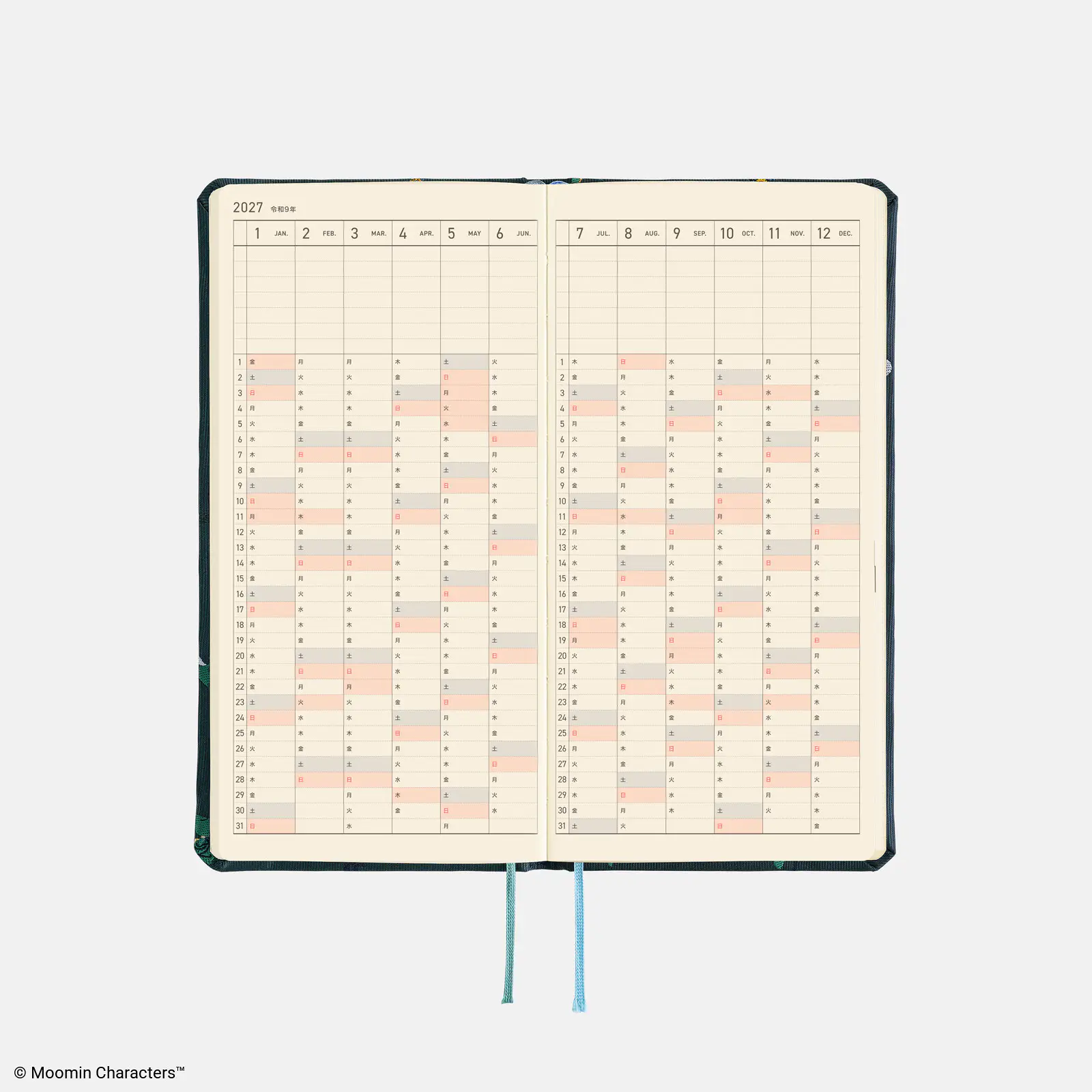
Year at a glance: Track something
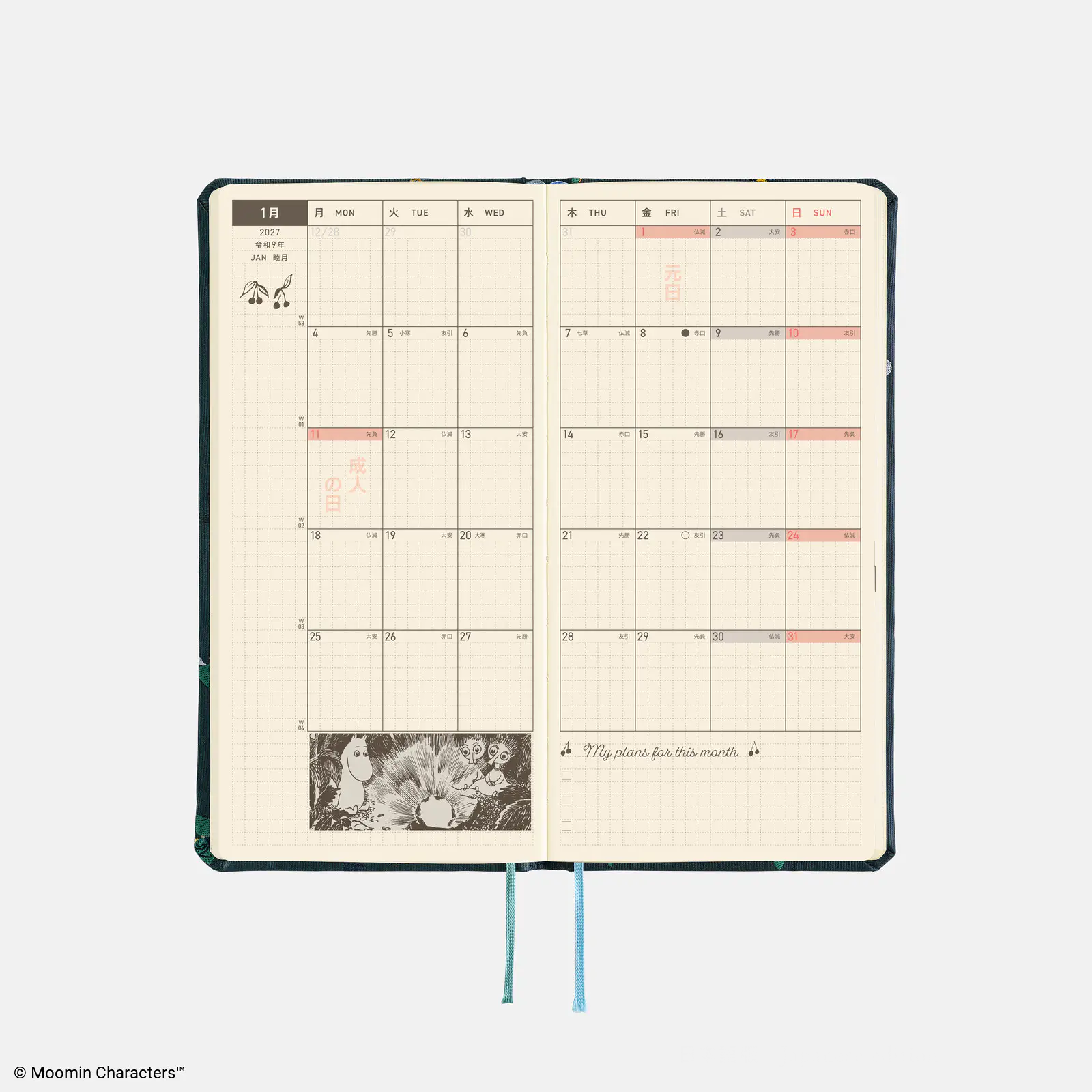
Monthly overview: Capture something
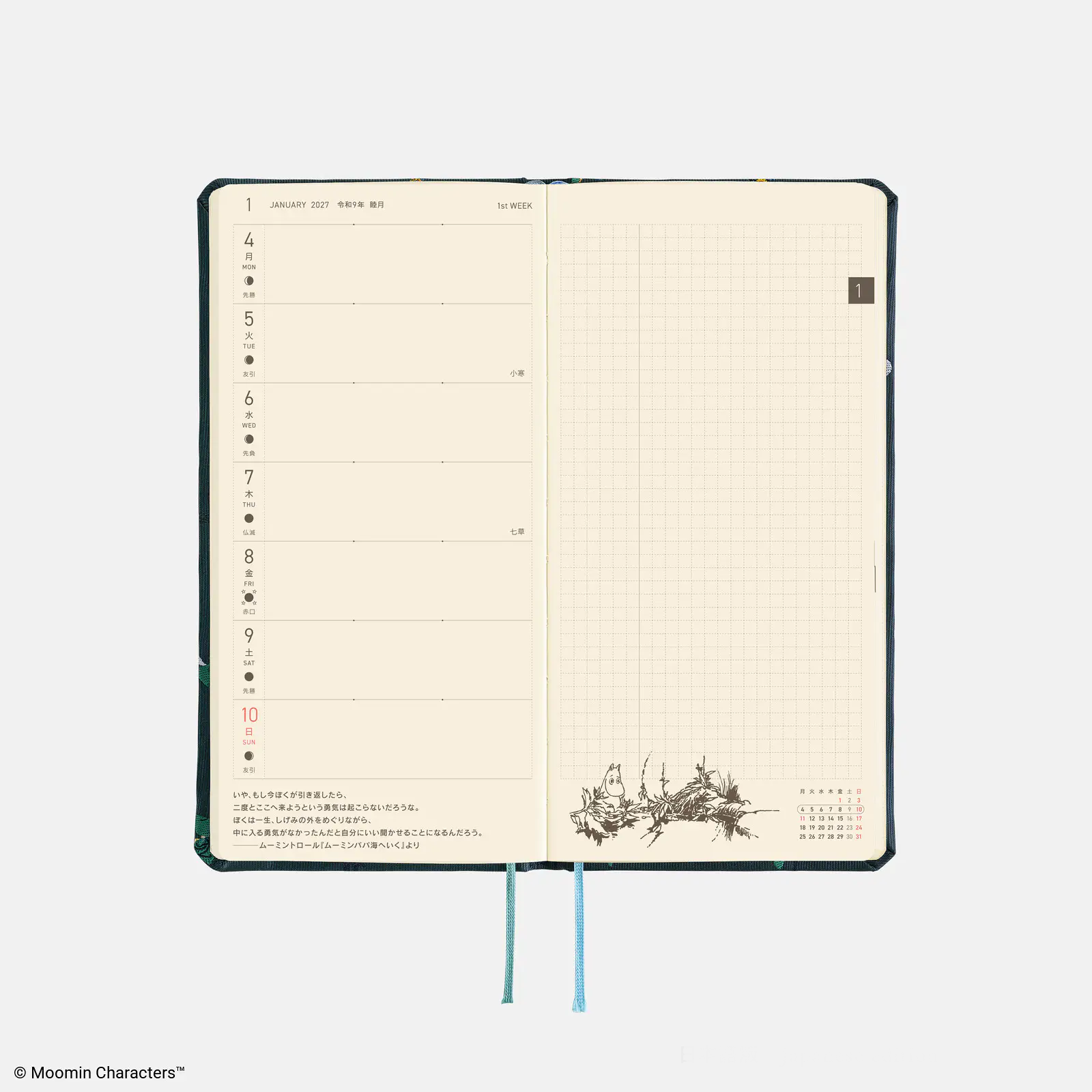
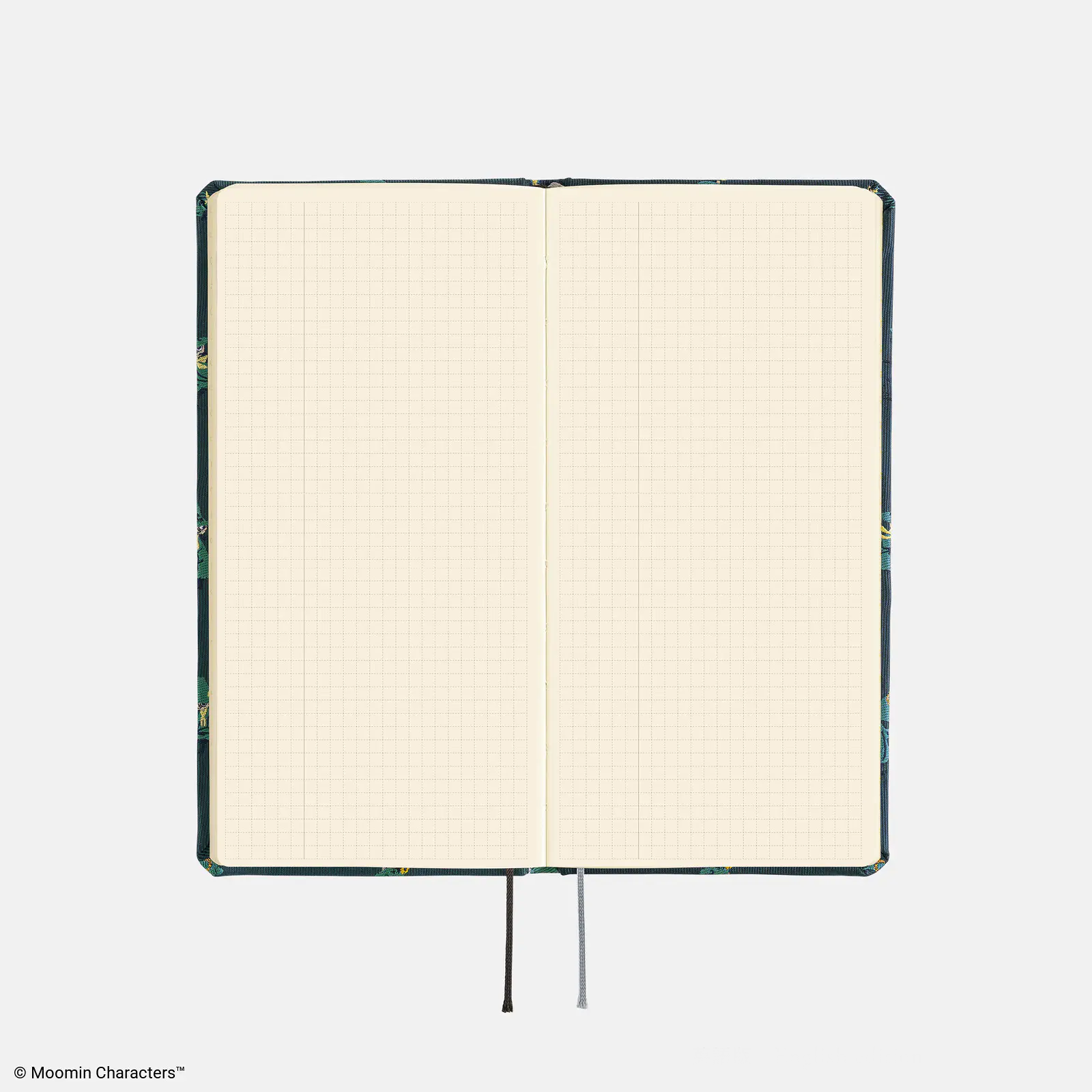
Blank notes pages: Store something
You don't need to fill every page or commit to a complicated planning system. Think of these as starting points, not rules.
Still deciding whether the Hobonichi Weeks is right for you? Read my full review here; Hobonichi Weeks Review: The Perfect Analog Planner →
1. Yearly Index: Track Something
The Yearly Index is one of those pages that looks useful, but the tiny boxes can make it difficult to decide what to track.
I use mine as a step counter. My goal is to walk 10,000 steps a day, and since I track my steps in Apple Health, it's easy to backdate if I forget a day or two. It makes it low stress which i think is key to maintaining a yearly tracker.
Another option is a mood tracker. Assign a color to a few different moods and fill in the corresponding box at the end of each day. I'd stick to around five colors that are easy to tell apart so the page stays readable.
The appeal is that you get a visual snapshot of your year without writing a daily entry.
Other things you could track include:
Weather: Use a small symbol for each day's weather.
Sleep: Record your hours of sleep or mark each night as good, okay, or poor.
Exercise: Mark the days you moved your body.
Reading: Track the days you read.
My advice? Pick something you're already curious about or tracking elsewhere. The goal is to make the information easier to see, not create another daily task to remember.
2. Monthly Overview: Capture Something
The monthly calendar is an obvious place for birthdays, anniversaries, appointments, trips, and other important dates.
But if you don't need all that space for scheduling, you can use the extra room to keep a small record of your month.
I like the idea of capturing one small thing each day. It doesn't need to be a full journal entry. A word or a short phrase is enough.
Daily tarot or oracle pulls | If you already pull a tarot or oracle card each day, write down the card name or a few initials in the corresponding date box. By the end of the month, you'll have a quick overview of your daily pulls without needing a separate tracker.
A simple gratitude log | Write down one thing you're grateful for each day. Keep it short: Flowers on a walk, Good coffee, Dinner with friends, A quiet morning. This is one of my favorite ideas because it creates a simple record of everyday life. Looking back, you might remember the little things you would otherwise have forgotten.
A daily highlight | You could also use the calendar to record one memorable thing from each day. It could be a place you visited, something you made, or just a particularly good afternoon. The key is to keep it small. If you miss a day, move on. This is meant to be a useful record, not another habit to feel guilty about.
3. Blank Notes Pages: Give Yourself a Place for Lists
The blank notes pages are probably the section I have to think about the most. I already use a separate notebook for morning pages, a sketchbook for drawing, and a commonplace journal for collecting ideas.
Rather than turning my Weeks into another journal, I use the notes pages for reference lists, practical information, and a record of the year. They're things I want to keep close without having to search through different notebooks, apps, or old messages.
Here are a few ways to organize them.
Monthly highlights: I like the idea of using a few pages to keep track of the year's highlights. I divide each page into two sections, giving myself space for two months at a time. I can write down the date and a short highlight, then add a few lines about how I felt that month.
It's a simple way to look back on the year all at once without keeping a detailed daily journal.
A cleaning and maintenance log: You don't need to track every chore. A simple log for the tasks you tend to forget can be much more useful. I like separating mine into weekly, monthly, and yearly tasks. Depending on what you need to remember, this could include cleaning appliances, replacing filters, or other household maintenance.
It's less about tracking every little thing and more about having one place to check when something needs doing.
Stats and analytics: If you enjoy looking at data, the notes pages can also be a useful place to track numbers over time. I make a grid with a column for each month and rows for the categories I want to track. That way, I can return to the same page throughout the year instead of keeping the information in multiple places.
You don't need to track everything. Choose the information that's actually useful to you. This could be used for reading goals, spending, or any other numbers you want to compare month to month.
A master packing list: I keep a master packing list on the very last notes page of my Hobonichi Weeks so I can find it quickly whenever I need it. I use the list as a checklist and adjust it if necessary. It's a small thing, but it saves me from repeatedly trying to remember everything I might need. Mine is divided into categories like:
Everyday essentials
Carry-on
Journaling supplies
Toiletries
Clothing
A trip directory: When I'm planning a trip or exploring somewhere new, I keep a running list of places I'd like to visit, along with their addresses or neighborhoods. As I visit each place, I can mark it off. When I'm deciding what to do on a particular day, I have a list ready instead of digging through old messages and saved social media posts.
Ephemera: If i go to a concert, movie or event that has physical ephemera, I like to tape or glue those assets into my notes pages. it’s a nice way to scarpbook those highlights in one place.
You Don't Have to Use Every Page
I think this is the most important part of finding a minimalist planning system that works for you. The Hobonichi Weeks gives you a lot of space, but that doesn't mean you need to create a complicated system to justify having it.
One year, your Yearly Index might become a mood tracker. The next, you might use it to track reading or exercise. Maybe you'll fill 30 notes pages. Maybe you'll fill three.
Your planner doesn't need to be optimized. It just needs to be useful to you.
For me, that's the appeal of keeping things simple. I want to open my Weeks and immediately understand what I'm looking at, not spend more time maintaining my planner than actually using it.
If you're building a minimalist planner setup of your own, start with what you already need to keep track of. Give each section a purpose, try it out, and change it when it stops working.
You don't need a prettier planner. You need one that works for your life.